On this page
The short answerAt a glanceWhat Vale checksWhat markdownlint checksRunning both in GitHub ActionsWhat neither one catchesWhich one to start withWhere DocsAlive fitsFAQThe short answer
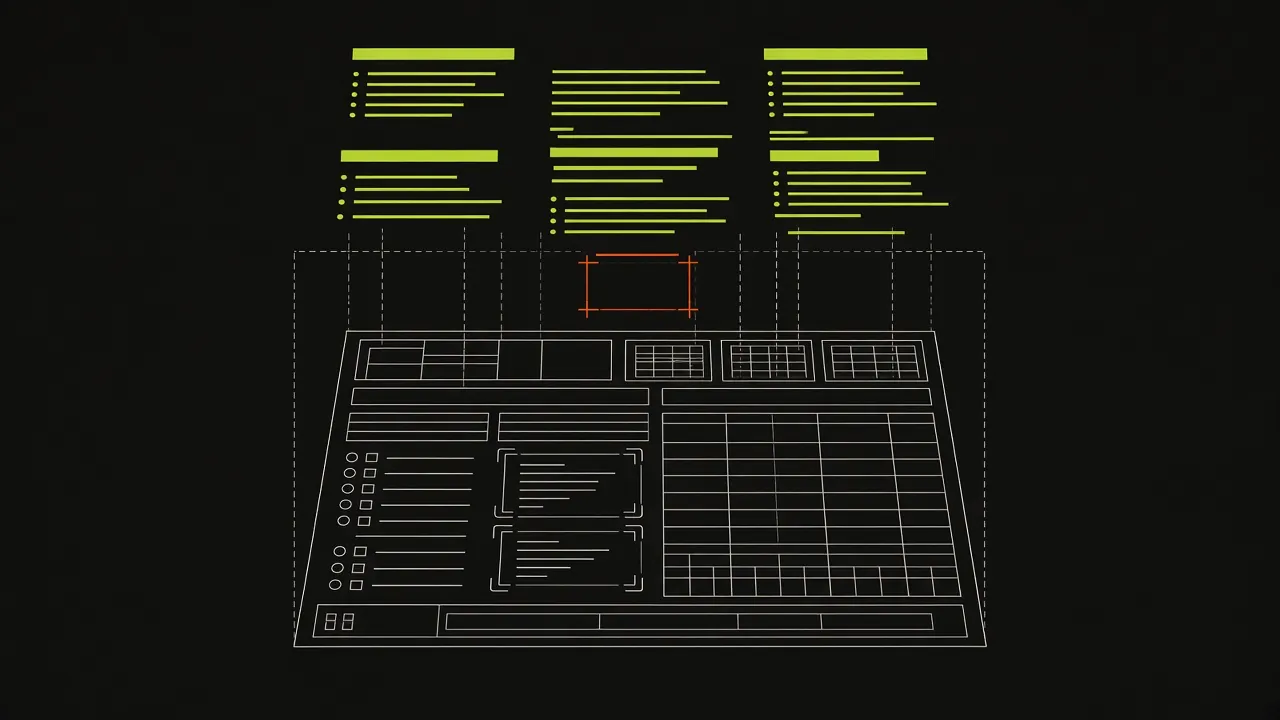
You probably want both, because they don't overlap. markdownlint reads the Markdown source and enforces structure: heading levels, list markers, blank lines around fences, a language on every code block. Vale parses the markup away and checks the words that are left against style rules: terminology, banned phrases, spelling, tone. A file can pass one and fail the other.
Teams with large docs sites tend to run them side by side. GitLab, for example, documents both in its documentation testing guide: Vale for prose and markdownlint for structure.
Neither one runs the code in your docs. That's covered in what neither one catches below.
At a glance
| Aspect | Vale | markdownlint (via markdownlint-cli2) |
|---|---|---|
| Reads | Prose: sentences and words, after parsing the markup | Markdown structure: headings, lists, fences, tables, whitespace |
| Skips by default | Fenced and indented code blocks, code spans, URLs, math | Nothing. It checks how a fence is written (for example a missing language, MD040), not the code inside it |
| Rules come from | Styles: packages such as Google or Microsoft, plus your own YAML rules | 53 built-in rules (MD001 to MD060; a few numbers are retired), plus custom rules in JavaScript |
| Config file | .vale.ini, plus a StylesPath folder |
.markdownlint-cli2.jsonc (or .yaml, or a plain .markdownlint.json) |
| Formats | Markdown, MDX (native since v3.18), AsciiDoc, reStructuredText, HTML, Jupyter, Typst and more | Markdown / CommonMark |
| Severity levels | suggestion, warning, error, filtered by MinAlertLevel |
Each rule is on or off. Any violation is an error |
| Auto-fix | No bulk fix from the CLI. Rules can offer suggestions, which editors apply one by one | --fix fixes the violations marked fixable |
| Exit codes | 0 no errors, 1 errors found, 2 Vale couldn't run |
0 no errors, 1 errors found, 2 linting failed to run |
| Runs as | A single Go binary | A Node.js package (or its container image) |
| GitHub Action | vale-cli/vale-action@v3 (annotations through reviewdog) |
DavidAnson/markdownlint-cli2-action@v24 |
What Vale checks
Vale has no opinions of its own until you give it a style. The built-in Vale style covers spelling, repeated words and your project vocabulary. Packages add a published style guide. A minimal setup for a Markdown and MDX docs folder:
# .vale.ini
StylesPath = .github/styles
MinAlertLevel = warning
Packages = Google
Vocab = Product

[*.{md,mdx}]
BasedOnStyles = Vale, Google
Google.Headings = NO
Run vale sync once to download the packages into StylesPath, then vale docs/. Three things trip people up:
- The vocabulary must exist.
Vocab = Productexpects.github/styles/config/vocabularies/Product/accept.txt(one regular expression per line; areject.txtbeside it lists terms to flag). Put your product names, API names and accepted jargon there, or the spelling rule will flag them on every page. - Commit your own styles, not the downloaded ones. Vale's quickstart suggests ignoring the styles folder in Git. That's right for packages, which
vale syncrestores, but a house style you wrote yourself lives in the same folder, so ignore only the package directories. - Rule toggles are per section.
Google.Headings = NOswitches off one rule for the files that section matches. A later section'sBasedOnStylesreplaces the list instead of adding to it.
Vale also lints prose embedded in other formats, and comments like <!-- vale off --> and <!-- vale Google.Passive = NO --> switch checking off locally for a passage that has a good reason to break the rule.
What markdownlint checks
markdownlint's rules are about the source, not the sentences. With the markdownlint-cli2 command line, all settings go in one file at the repo root:
// .markdownlint-cli2.jsonc
{
  "config": {
    "default": true,
    "MD013": false,
    "MD033": { "allowed_elements": ["details", "summary"] },
    "MD024": { "siblings_only": true }
  },
  "globs": ["docs/**/*.md"],
  "ignores": ["docs/generated/**"]
}
These are the rules teams most often adjust:
- MD013, line length. Usually the first one switched off. It's a source-formatting preference, and long URLs or tables make it noisy.
- MD033, inline HTML. On by default, which flags any raw HTML.
allowed_elementskeeps it strict while allowing the few elements your docs actually use. - MD024, duplicate headings.
siblings_onlyallows the same heading under different parents, such as "Parameters" under every endpoint. - MD040, fence language. Keep it on. A fence without a language gets no syntax highlighting, and test runners can't tell what to execute.
Then markdownlint-cli2 lints the configured globs, and markdownlint-cli2 --fix rewrites what it can. MDX isn't Markdown as far as markdownlint is concerned: JSX components look like inline HTML to MD033, so MDX-heavy sites tend to lint only their .md files or loosen that rule.
Running both in GitHub Actions
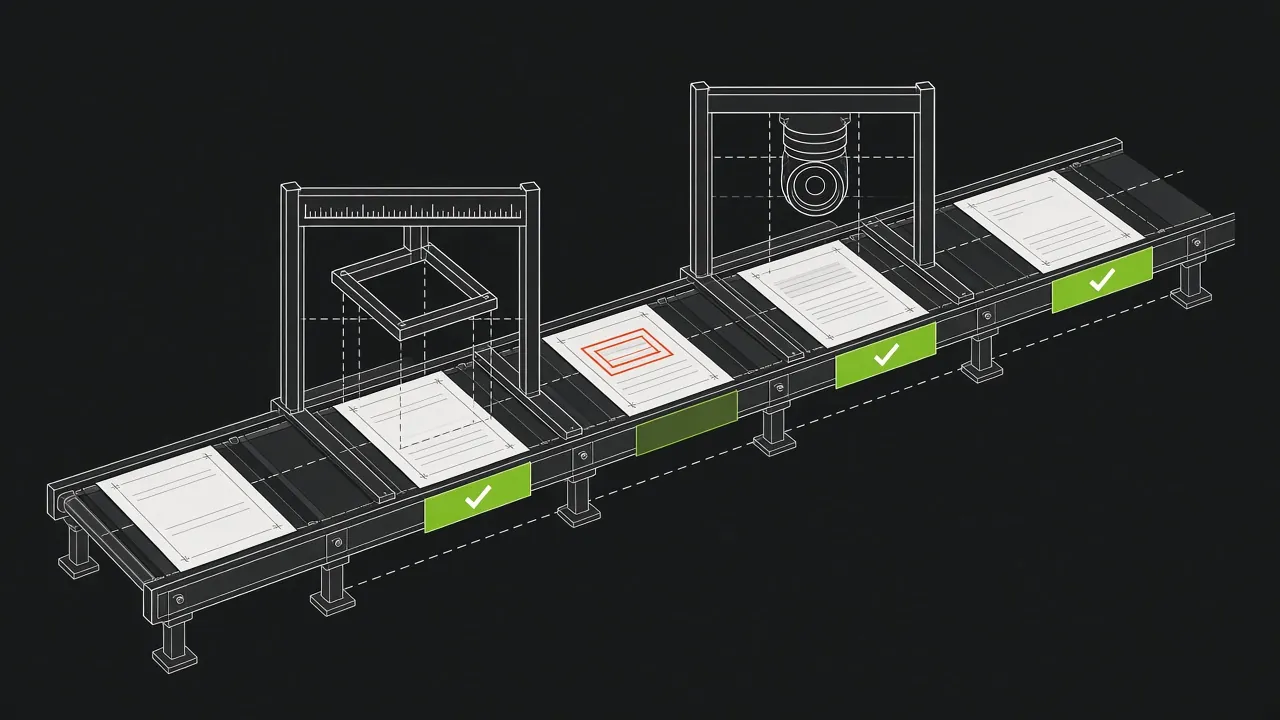
One job, three steps: structure, prose, then links with lychee, which neither linter checks.
name: docs-lint
on: [pull_request]
jobs:
  lint:
    runs-on: ubuntu-latest
    steps:
      - uses: actions/checkout@v7
      - uses: DavidAnson/markdownlint-cli2-action@v24
        with:
          globs: "docs/**/*.md"
      - uses: vale-cli/vale-action@v3
        with:
          files: docs
          fail_on_error: true
      - uses: lycheeverse/lychee-action@v2
        with:
          args: --no-progress "docs/**/*.md"
Two defaults worth knowing. The Vale action runs vale sync for you and, through reviewdog, only reports on lines the pull request added (filter_mode: added), so an old page full of warnings won't block an unrelated change. It also passes whatever Vale reports unless you set fail_on_error or fail_level. The lychee action fails the job on a broken link by default.
What neither one catches
Code that no longer runs. Vale skips fenced code blocks by design, and markdownlint only checks that a fence is well formed. Here's an illustration of a bug we found on a real open-source docs page (a missing comma between two dictionary entries), rewritten so it doesn't identify the project:
options = {
    "timeout": 5
    "retries": 3,
}
The fence has a language, so MD040 passes. Vale never reads inside it. Every reader who copies it gets:
SyntaxError: invalid syntax. Perhaps you forgot a comma?
That one is easy to spot once you look. The harder ones are examples that were correct when written and broke later: across three open-source docs sites, DocsAlive confirmed 6 docs bugs so far, including keyword arguments the current API rejects and classes a dependency stopped exporting. Every one of them was in a file that would pass both linters. The results page lists them all, and the docs testing guide covers the ways to catch them.
Which one to start with
- Start with markdownlint if your docs are new, written by many contributors, or rendered by a generator that's fussy about structure. It's fast, needs almost no configuration, and
--fixclears most of the backlog in one commit. - Start with Vale if structure is already fine but voice and terminology drift between authors, or you have a published style guide you want enforced rather than remembered.
- Add an execution check if your docs contain code examples that readers copy. Lint keeps the page tidy. Only running the code tells you it still works.
Where DocsAlive fits
DocsAlive isn't a linter, and it doesn't replace either one. It's the execution layer: it runs the code blocks on each page in an isolated container on every release and reports only the failures a reader would hit. Most teams that use it keep markdownlint and Vale exactly where they are. You can see how it works or request a free health check on a public repository.
FAQ
Does Vale lint code blocks?
No. In Markdown, Vale ignores fenced and indented code blocks and inline code by default, and in MDX it also treats JSX and JavaScript expressions as code. Code comments in source files can be linted, but that's a separate setup.
Can markdownlint fix problems automatically?
Partly. markdownlint-cli2 --fix rewrites violations of the rules marked fixable, such as trailing spaces, blank lines around fences and list marker style. Others, like duplicate headings, need a human.
Do they work with MDX?
Vale parses MDX natively from v3.18. markdownlint targets Markdown and CommonMark, so in MDX files JSX components are reported as inline HTML unless you allow them or skip those files.
Is markdownlint-cli2 the same as markdownlint-cli?
Both are command-line wrappers around the same markdownlint library. markdownlint-cli2 is configured through a single file (globs, ignores and rules together), and it's what DavidAnson/markdownlint-cli2-action runs.