On this page
Why code samples in docs breakWhat "docs testing" means hereFour ways to test the code samples in your docsWhat to test, and what to leave aloneRunning it in CITriage: real bugs vs noiseWhere DocsAlive fitsFAQEverything below is drawn from our own runs of DocsAlive on three open-source documentation sites: 309 pages and 1,742 code blocks, all published with methodology on the results page. Where we describe other tools, we link to their own documentation.
Engine v0.2.1, October 19, 2026. The gap between the third and fourth numbers is the whole problem with testing docs, and it's covered in triage below.
Why code samples in docs break
A code sample is a promise that "this works" which nothing checks after the day it was written. These are the ways we've seen that promise break, each one taken from a real page:
- Your API changes under the docs. On Project A (a popular open-source Python library), two examples on the same page pass a keyword argument that the function no longer accepts in the current release. A reader who copies either one gets a
TypeError. - Someone else's API changes. On Project B (an open-source AI SDK with a large docs site), two cookbooks import classes from third-party agent frameworks. Those frameworks' current releases no longer export the classes, so both scripts fail at the import line. Nobody on the docs team changed anything. A dependency moved.
- It never ran in the first place. An example on Project A is missing a comma between two dictionary entries. It's a
SyntaxErrorfor everyone who copies it, and it would have been caught the first time anyone executed it. - The output aged. One example runs fine, but the output printed beside it is in a format current interpreters no longer print. Readers comparing their terminal to the page see a mismatch and assume they did something wrong.
- Setup is missing. Across the three runs, 61 blocks imported a package the page never told the reader to install. We report those as hints, not bugs, because many docs assume an install step from an earlier page.
The pattern: the first four would all have been caught by simply running the code against the version you're shipping. None of them needs an expert reviewer to spot. They need something that executes the page.
What "docs testing" means here
Search for "documentation testing" and half the results are about QA documentation: test plans, test cases and test reports. That's a different subject. In this guide, docs testing means executing the examples in your documentation as tests, so a broken sample fails a build instead of a reader.
It's also different from the two checks most teams already run on docs:
- Linters check how the docs are written: Markdown structure (markdownlint) or prose style (Vale). Neither one runs your code. We compare them in Vale vs markdownlint.
- Link checkers confirm that URLs resolve. They don't know whether the code next to the link still works.
You want all three, because they catch different failures. This guide is about the one that's usually missing.
Four ways to test the code samples in your docs
1. Language doctests
Python's standard library ships doctest, which finds text that looks like an interactive session (>>> prompts followed by expected output), runs it and compares the result. pytest can collect those sessions straight from your Markdown files with --doctest-glob:
pip install pytest
pytest --doctest-glob="*.md" docs/
Good at: zero infrastructure, and it checks output, not just exit codes. Limits: it only sees >>> sessions, and most docs are written as plain fenced code blocks without prompts. It doesn't cover other languages, shell steps or curl examples.
2. Docs-as-tests specs
Doc Detective is an open-source documentation testing framework. You write test specifications (standalone, or inline in your docs) describing the steps a page tells readers to take, and it runs those steps against your product, including UI procedures in a real browser and series of API calls. Manny Silva's Docs as Tests describes the wider approach.
Good at: procedures, not just snippets: "click here, then call this endpoint". Limits: someone writes and maintains a spec for each procedure, so coverage grows only as fast as the specs do.
3. A custom script in CI
Many teams start here: pull the fenced blocks out of each page and run them. This one runs every Python block on a page in a single process, in page order, the way a reader would:
"""Run the Python code blocks in each Markdown page, in page order, one process per page."""
import pathlib
import re
import subprocess
import sys

FENCE = re.compile(r"^```(?:python|py)[^\n]*\n(.*?)^```", re.M | re.S)

failed = 0
for page in sorted(pathlib.Path("docs").rglob("*.md")):
    blocks = FENCE.findall(page.read_text(encoding="utf-8"))
    if not blocks:
        continue
    # One process per page, so later blocks can use names from earlier ones.
    result = subprocess.run([sys.executable, "-c", "\n\n".join(blocks)],
                            capture_output=True, text=True, timeout=300)
    if result.returncode != 0:
        failed += 1
        last = (result.stderr.strip().splitlines() or ["(no output)"])[-1]
        print(f"FAIL {page}: {last}")

print(f"{failed} page(s) failed")
sys.exit(1 if failed else 0)
Good at: it's yours, and it's honest about what it runs. Limits: it stops at the first failure on each page, misses indented fences (inside lists or tabs), knows nothing about MDX components, and treats every failure the same. That last one is the expensive part: in our runs, 386 blocks depended on names defined elsewhere or deliberately left out by the author, and 132 needed a real API key. A script like this reports those as broken, and a suite that's always red gets ignored.
4. An execution service
This is what we build. DocsAlive detects the docs framework (MkDocs, Mintlify, Docusaurus, ReadMe exports or plain Markdown), extracts every block including MDX tabs and code groups, plans how each one should run, executes each page in an isolated container, and classifies every result into categories so only likely docs bugs are escalated. Details are on how it works.
Good at: coverage without writing tests, and triage. Limits: it's a paid product for private repositories, full TypeScript/JSX and compiled languages aren't executed yet (see supported stacks), and credential-gated examples are classified rather than run with real keys.
The four side by side
| Approach | Setup effort | Languages | Catches runtime errors | Tests written first | Separates bugs from noise | Drafts fixes |
|---|---|---|---|---|---|---|
| Doctest (Python) | Low | Python >>> sessions |
Yes | Examples in >>> form |
No | No |
| Doc Detective | Medium | Steps you specify (browser, API calls) | Yes, for specified steps | Yes, specs | Not needed: you pick the steps | No |
| Custom CI script | Medium, then ongoing | Whatever you wire up | Yes | No | No | No |
| DocsAlive | Low (onboarding) | Python, JS, simple TS, shell, curl/HTTP; JSON and TOML validated | Yes | No | Yes, 24 categories | For review, when a model is configured |
None of these rules out the others. Doctests stay useful for library reference pages, and specs are the right tool for UI walkthroughs that no snippet runner can follow.
What to test, and what to leave alone
- Runnable blocks vs fragments. Not every block is meant to run. Mark intentional fragments with
...so any runner (and any reader) can tell an excerpt from a complete example. - Setup commands. Readers install something first. Run that install step before each page, and install the version you're about to release, not whatever the registry served last week.
- Pinned and latest. Testing against your release candidate catches drift you caused. A nightly run against the latest versions of your dependencies catches drift someone else caused, like the third-party import failures above.
- Secrets and network. Use obvious placeholders such as
YOUR_API_KEYso they're recognizable. Either classify those blocks as needing credentials, or give CI a sandbox account with test keys. Don't put real keys into a docs runner. - Expected output. If a page shows output, compare it. Put it in a separate block right after the code, or use
>>>sessions. Skip comparing output that changes by nature, such as timestamps, IDs and header ordering. - Page order. Readers run blocks top to bottom, and later blocks rely on earlier ones. Run them the same way.
Running it in CI
Docs break on release days, so test them on release tags, and nightly to catch dependency drift. For SDKs and client libraries there's a catch: test the built package, not your checkout. The SDK docs release-gate guide shows how. A generic workflow using the two open approaches above:
name: docs-examples
on:
  push:
    tags: ["v*"]
  schedule:
    - cron: "0 6 * * *"   # nightly, catches drift in third-party packages
jobs:
  examples:
    runs-on: ubuntu-latest
    steps:
      - uses: actions/checkout@v7
      - uses: actions/setup-python@v7
        with:
          python-version: "3.12"
      - run: pip install . pytest
      - run: pytest --doctest-glob="*.md" docs/
      - run: python scripts/run_md_python.py
With DocsAlive, the GitHub App runs on pull requests, releases and nightly by itself. If you'd rather call the CLI from your own job (it's set up with each team during onboarding; Docker is required, and GitHub's Ubuntu runners have it), write the JSON report and fail the job when it contains a likely docs bug:
      - run: docsalive scan . --execute --setup "pip install -q ." --out docsalive-report
      - run: jq -e '.summary.likely_docs_bugs == 0' docsalive-report/report.json
The flags are documented in the CLI reference. summary.likely_docs_bugs in report.json is the same count the terminal summary prints. The file also carries one entry per code block with its status, category and is_docs_bug.
Triage: real bugs vs noise
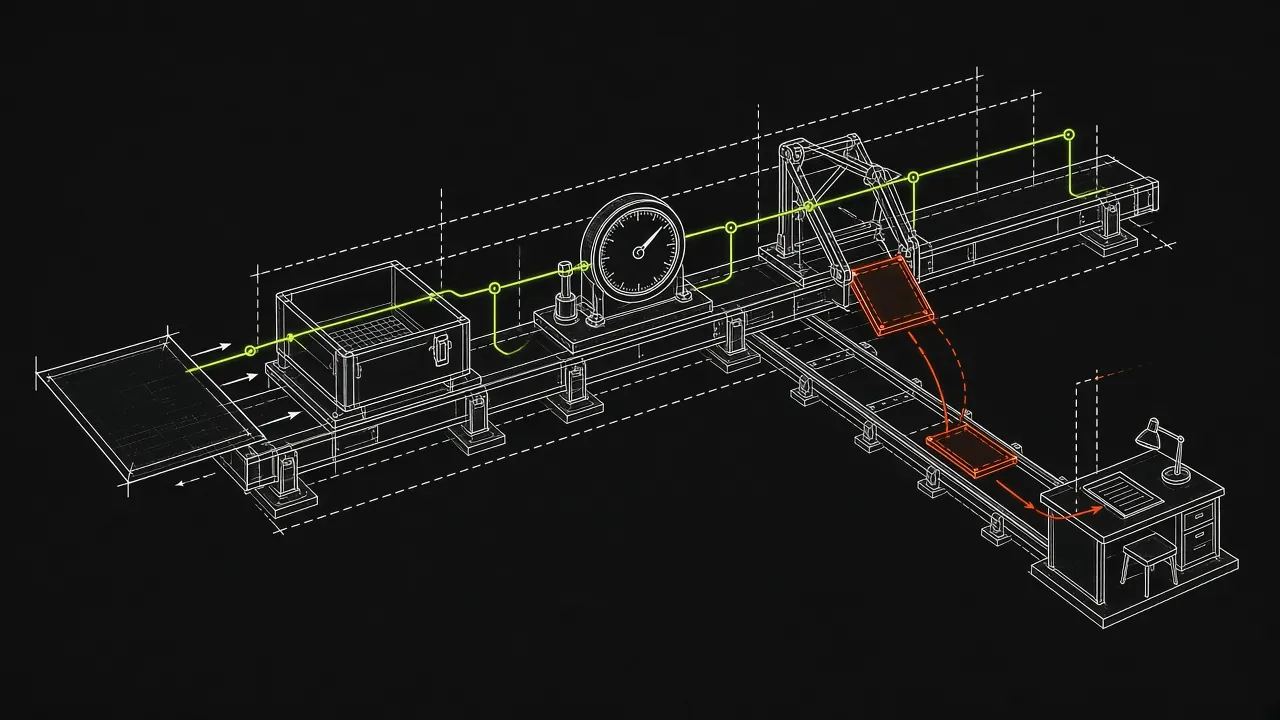
Run any of these on real docs and most failures won't be bugs. Across our three runs, 676 blocks exited with an error. The engine flagged 11 of them as likely docs bugs. The rest were mostly blocks that depend on context (386), need credentials (132), or hit runtime errors our rules don't escalate automatically (149).
Then we reviewed the flags one by one. So far 6 are confirmed docs bugs and 2 are false alarms. Both false alarms are worth learning from:
- A migration guide shows the old API under a "Before" comment, on purpose. It fails because it's supposed to.
- A page template contains a placeholder (
[Code snippet showing new behavior]) rather than code.
3 flags are still unreviewed and say so on the results page. On Project C, the engine flagged nothing, which is a result too. An earlier engine build had wrongly flagged 22 TypeScript and JSX blocks there as invalid syntax. We fixed the runner, not the docs.
The practical rules: decide up front which failure types count as bugs, label intentional "before" examples and templates so they're skipped, and treat runner limitations as runner bugs. Our full list of categories is in finding categories.
Where DocsAlive fits
If your docs are mostly Python or JavaScript examples on MkDocs, Mintlify or Docusaurus, and nobody has time to write specs or babysit a script, DocsAlive runs every block on each release, files only the likely docs bugs, and can draft the fix for a human to approve. It's free for public open-source docs, and Team starts at $299 a month (see pricing). The quickest way to judge it is on your own docs: request a free health check and our team emails you the real report.
FAQ
Can I test docs written in MDX?
Yes. Code blocks inside MDX are extracted, including Mintlify <CodeGroup> and <Tabs> and Docusaurus <Tabs>. Alternate tabs are recognized as variants of the same example. The JSX components themselves aren't executed.
Which languages are supported?
Python (including >>> sessions), JavaScript on Node 20, simple TypeScript, shell, and curl or raw HTTP requests are executed. JSON and TOML are validated. Compiled languages are recognized but not executed yet. The full list is on supported stacks.
Do I need to write tests first?
For doctests, your examples must be written as >>> sessions. For Doc Detective, you write specs. For a custom script or DocsAlive, no: the code blocks already on the page are the tests.
How often should docs code be tested?
On pull requests that touch docs or code, on every release tag, and nightly. The nightly run is the one that catches third-party packages changing under your examples.