DuckDB fixed a broken docs example that DocsAlive caught.
Both record-batch examples in DuckDB's "Export to Apache Arrow" Python guide crashed when copied as written. DocsAlive ran them against the current releases, flagged them, and we reported the bug upstream with a tested fix. DuckDB merged a fix and closed the issue as completed seven days later.
- Project
- DuckDB docs
duckdb/duckdb-web - Page
- Export to Apache Arrow
Python guide, 2 examples - Reported
Issue #7514- Fixed
PR #7608, merged- Report to fix
- 7 days
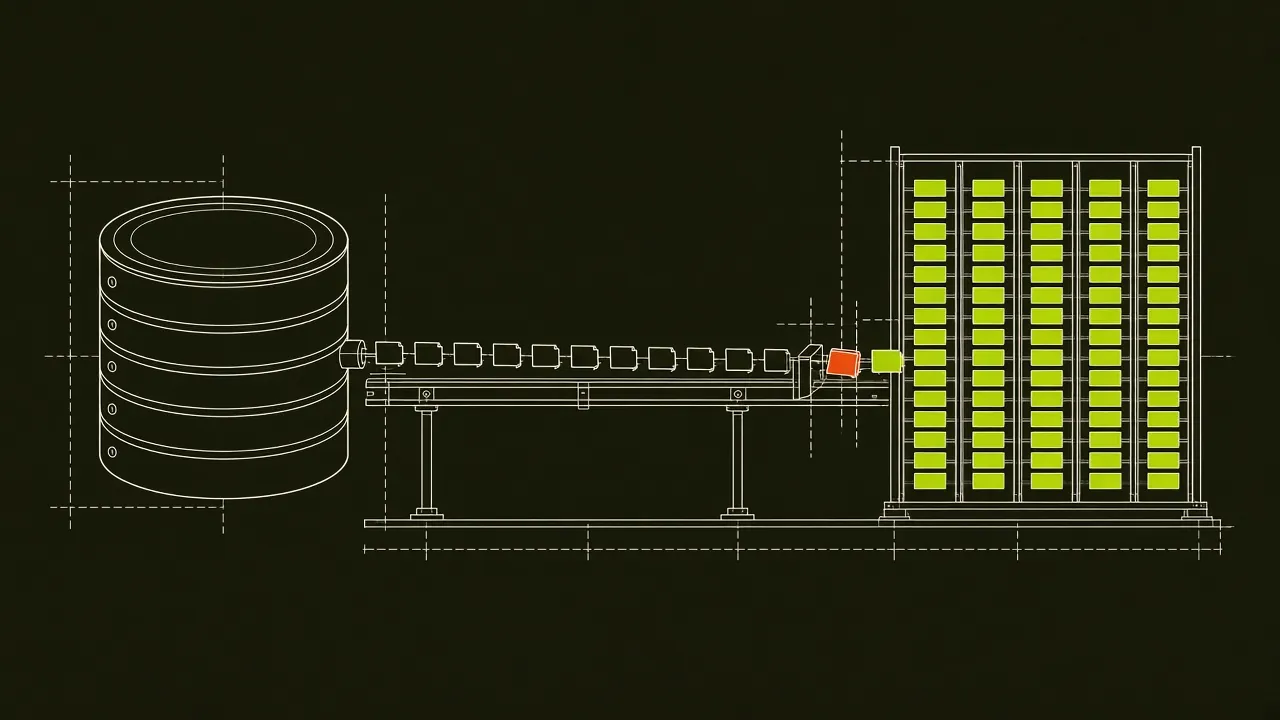
What broke
The guide shows how to read query results one Arrow record batch at a time. Both examples looped like this (shown here as they read on October 20, 2026):
# Loop through the results. A StopIteration exception is thrown when the RecordBatchReader is empty
while (batch := result.read_next_batch()):
    # Process a single chunk here
    print(batch.to_pandas())
pyarrow.RecordBatchReader.read_next_batch() raises StopIteration when the reader is exhausted. It never returns a falsy value, so the while condition can't end the loop. A reader who copied either example saw the batches print, then a traceback:
Traceback (most recent call last):
  File "export_arrow_example.py", line 12, in <module>
    while (batch := result.read_next_batch()):
                    ~~~~~~~~~~~~~~~~~~~~~~^^
  File "pyarrow/ipc.pxi", line 794, in pyarrow.lib.RecordBatchReader.read_next_batch
StopIteration
The second example (the Relational API version, arrow_batch_reader.read_next_batch()) failed the same way. The same loops were in the current, preview and LTS versions of the docs. Versions used: duckdb 1.5.6, pyarrow 26.0.0, pandas 3.0.6, Python 3.13.
How DocsAlive caught it
- Ran the docs as written. On October 20, 2026, DocsAlive scanned the DuckDB Python docs in a sandbox: 29 pages and 644 code blocks, installing the current releases of duckdb, pandas, pyarrow, polars and numpy, in about three minutes.
- Flagged both examples. Each one exited non-zero with
StopIterationraised fromread_next_batch, so the engine put them in the runtime-error queue for review. - Checked by hand. We re-ran both examples outside the engine, confirmed the error against pyarrow's documented behavior, and confirmed that iterating over the reader directly finishes cleanly (exit code 0).
- Reported upstream. We opened duckdb-web #7514 with the file, the lines, the traceback, the versions and the tested fix.
The fix
A DuckDB maintainer opened PR #7608 ("Fixes #7514"), which loops over the reader directly and drops the outdated comment in the 1.4 and 1.5 guides. The PR notes that the 2.0 guide already used this pattern and that every Python example on the edited pages now exits 0. It was merged on October 27, 2026 and the issue was closed as completed.
The fixed version is live on duckdb.org. We re-ran the original loop and the fix again on October 27, 2026 with duckdb 2.0.0 and pyarrow 26.0.0: the old loop still ends in StopIteration, and the fixed loop exits 0.
Timeline
All times are Pacific Time, from the GitHub records for the issue and the pull request.
- Oct 20, 2026, 3:48 PM: we opened issue #7514 after the scan and a manual re-run.
- Oct 27, 2026, 7:40 AM: a DuckDB maintainer opened PR #7608.
- Oct 27, 2026, 8:11 AM: the PR was merged and the issue was closed as completed, 31 minutes after the PR opened.
What the report contained
Maintainers get plenty of vague bug reports. This one was written so it could be checked in a couple of minutes:
- The exact location: the file path, the two line numbers (40 and 68), and the commit the lines were checked at, plus a note that the same loops were in the preview and LTS copies of the docs.
- The snippet as published, copied verbatim so nobody had to find it.
- The cause in one sentence:
read_next_batch()raisesStopIterationinstead of returning a falsy value, so thewhilecondition can't end the loop. - The full traceback and the versions of duckdb, pyarrow, pandas and Python.
- A tested fix for each example (
for batch in result:andfor batch in arrow_batch_reader:), with the result of re-running them: exit code 0. - An offer to open a PR, and a note on how the bug was found.
That's the standard we hold every upstream report to. Nothing goes out until a person has reproduced the failure outside the engine and checked that the proposed change works.
The change in numbers
PR #7608 edited two files, docs/1.4/guides/python/export_arrow.md and docs/1.5/guides/python/export_arrow.md, adding two lines and removing three in each. The maintainer re-ran every Python example on the edited pages with pyarrow 26.0.0. All three examples in the 1.4 guide exited 0 with DuckDB 1.4.5, and all three in the 1.5 guide exited 0 with DuckDB 1.5.6. In each guide, two of those examples had previously failed with StopIteration.
Why this kind of bug survives
Nothing about the example looked wrong. It parsed, it printed the right data, and the comment above it even mentioned StopIteration. It only fails at the very end, after the useful output, which is easy to miss when reading a page and hard to miss when you actually run it. Linters and link checkers don't catch this. Running the code does. More on that in how documentation drift happens.
If you copied the old loop
Code copied from the guide before the fix still prints every batch and then raises StopIteration at the end. In a script that means a non-zero exit code. In a pipeline it can mean a failed job after the work is already done. There are two simple fixes:
# Preferred: iterate over the reader
for batch in result:
    print(batch.to_pandas())

# Or keep explicit calls and stop on the exception
while True:
    try:
        batch = result.read_next_batch()
    except StopIteration:
        break
    print(batch.to_pandas())
The first form is what DuckDB's docs use now. The second is useful if you need to do something between batches that a for loop makes awkward.
Lessons for docs teams
- Run examples to completion. This bug only showed up after the last batch. A check that stops at "it printed something" would have passed it.
- Treat comments as claims. The comment above the loop described the exception correctly, but the code didn't handle it. A comment that contradicts the code is a strong sign the code changed, or never worked.
- Check every copy of the docs. The loop was in the current, preview and LTS versions. A fix to one copy leaves readers of the others with the bug.
- Pin the versions in the report. Library behavior changes, so a report that names exact versions can be reproduced months later.
Frequently asked questions
Was DuckDB a customer?
No. DuckDB didn't ask to be tested. We scanned public documentation and reported what we found through the project's normal issue tracker.
Did DocsAlive write the merged code?
No. Our report included a tested fix, and a DuckDB maintainer opened and merged the pull request that applied it.
How long did the scan take?
About three minutes for 29 pages and 644 code blocks of the DuckDB Python docs. Reviewing the flagged results, re-running them by hand and writing the report took longer than the scan.
Find the examples in your docs that crash at the end.
Send us a public repository. Our team runs DocsAlive on its docs and emails you the real report within 2 business days. Free, no signup.