On this page
The short answerWhy we compared these twoAt a glanceHow Doc Detective worksHow DocsAlive worksWhere they differ in practiceWhen to choose Doc DetectiveWhen to choose DocsAliveUsing bothWhat we don't doFAQThe short answer
Doc Detective and DocsAlive both run the content of your docs, but they start from opposite ends. Doc Detective is a free, open-source testing framework. You describe what a page tells readers to do, as a test spec, as inline comments or as markup patterns it detects, and it performs those steps against your product: shell commands, code snippets, HTTP requests and UI procedures in a real browser. You run it yourself, locally, in Docker or in CI.
DocsAlive is a service focused on one layer of that problem: the code examples. It runs every code block on a page against the release you ship, sorts each failure into one of 24 categories so that missing context and absent credentials don't count as docs bugs, and drafts a fix for a person to review. There's nothing to write first, but it doesn't click through your UI.
If your docs are mostly procedures (open this screen, click that button, check this text), Doc Detective covers far more than we do. If your docs are mostly code samples and the hard part is telling a real breakage from noise, that's the case DocsAlive was built for. Some teams could reasonably use both.
Why we compared these two
We looked for the tool closest to what we do: something that executes documentation code, not something that checks prose or links. Linters such as Vale and markdownlint don't run code (we cover them in Vale vs markdownlint). Language tools like Python's doctest only cover one language and one example format. Doc Detective is the open-source project most often cited for the "docs as tests" approach, it runs shell and code steps directly from Markdown, and it's actively maintained: version 4.38.1 is the current release on npm, and its GitHub repository had commits this week. That makes it the honest comparison.
Everything below about Doc Detective comes from its documentation, its npm package and its GitHub repository as of October 29, 2026. Where something isn't published, we say so.
At a glance
| Aspect | Doc Detective | DocsAlive |
|---|---|---|
| What it is | Open-source testing framework you run yourself | Hosted docs CI service, onboarded by our team |
| Price | Free. Open source under AGPL-3.0. No paid plan published | $0 for public open-source projects, $299, $699 or from $1,499 a month (pricing) |
| What it tests | Steps you specify or that it detects: shell, code, HTTP requests, links, browser UI actions, screenshots | The code blocks on each page, plus OpenAPI reference checks |
| Code languages | runCode: JavaScript, Python and Bash; runShell for shell commands |
Python, JavaScript, simple TypeScript, shell, curl and HTTP; JSON and TOML validated |
| Tests you write first | Optional: specs and inline tests, or detected tests from markup patterns | None. The code blocks already on the page are the tests |
| Browser and UI testing | Yes, including screenshots and video recording | No |
| Input formats | Markdown, MDX, DITA (beta), AsciiDoc, HTML; Heretto integration | MkDocs, Mintlify, Docusaurus, ReadMe exports, plain Markdown and MDX |
| Result types | PASS, FAIL, WARNING or SKIPPED per test, as JSON | 24 categories; only likely docs bugs are escalated |
| Fixes | The GitHub Action can open a PR when files change, or an issue that mentions an AI integration | Draft fix PRs, re-run in the sandbox before they open |
| Where it runs | Your machine, the official Docker image or your CI runner | Our isolated sandbox: no root, all capabilities dropped, read-only root filesystem, optional gVisor |
| Telemetry | Anonymous telemetry on by default; one config setting turns it off | Not applicable: it's a service. See our security page |
| Support | Community (Discord), sponsorship through Open Collective and GitHub Sponsors | Email support on paid plans, no SLA unless agreed in writing |
How Doc Detective works
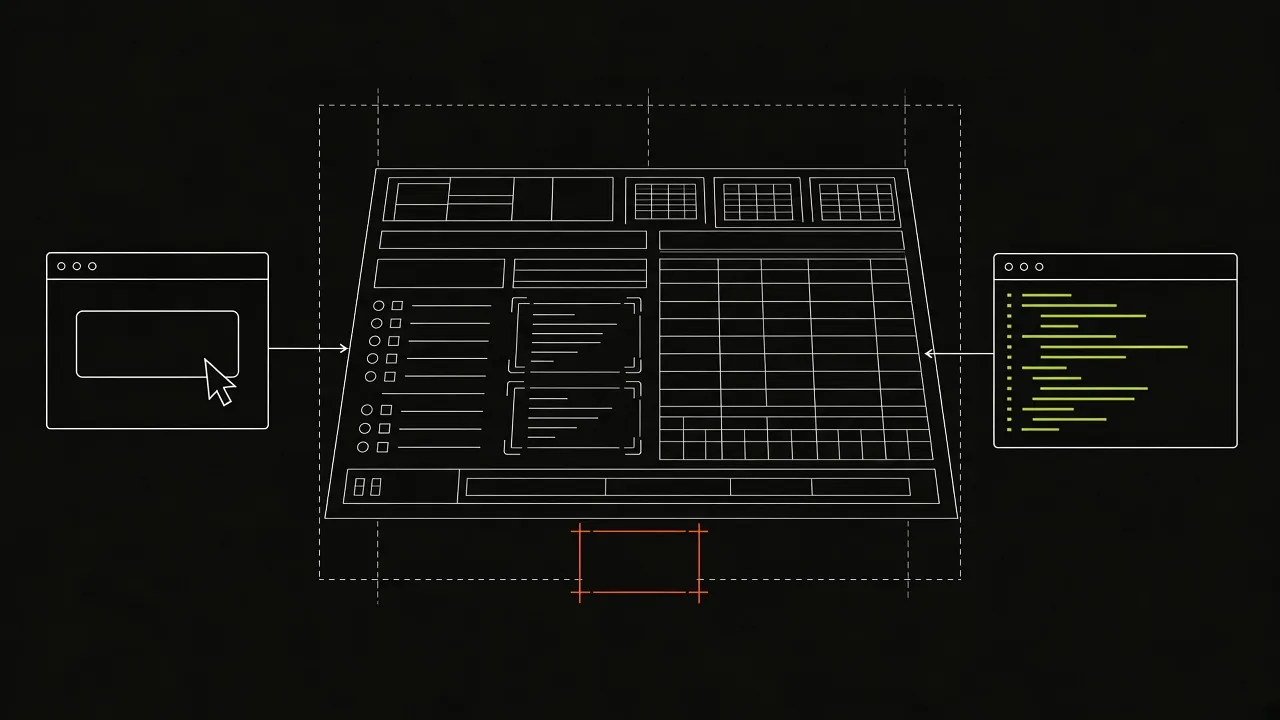
Doc Detective describes itself as "a doc content testing framework". It ingests test specifications and text files, parses them for testable actions and runs those actions. You can get tests three ways:
- Test specs. JSON or YAML files listing steps such as
goTo,click,find,type,httpRequest,runShellandrunCode. You write and maintain them alongside the docs. - Inline tests. Comments in the doc source, such as
<!-- step { "click": "Menu" } -->, that declare steps next to the text they test. - Detected tests. With
detectStepson (the default in its config schema), markup patterns turn ordinary content into steps. In Markdown,Click **Search**becomes a click, a link becomes a link check, and a fenced block taggedbash,pythonorjavascriptbecomes arunCodestep.
That last point matters for this comparison: Doc Detective can run the code blocks in your Markdown without a hand-written spec. Two details from its docs are worth knowing. Code blocks detected from Markdown are marked as unsafe steps, which run only when unsafe steps are allowed (the --allow-unsafe flag or allowUnsafeSteps in config). Inside the official Docker image they're allowed by default, because the image identifies itself as a container. And each runCode step runs "with the interpreter installed on the machine", so the environment is whatever your runner or container provides.
For each step you can assert on exit codes and on output (stdio, as a string or a regular expression), capture output into variables for later steps, and run long-lived processes in the background. The shell and code guide walks through all of it.
In CI, the recommended route is the GitHub Action. It fails the job on test failures when you set exit_on_fail: true. It can also open a pull request when files change during a run (for example refreshed screenshots), or open an issue when tests fail and mention an AI integration such as Claude, Copilot, Cursor or Promptless to investigate. (We compare Promptless separately in Promptless vs DocsAlive.)
How DocsAlive works
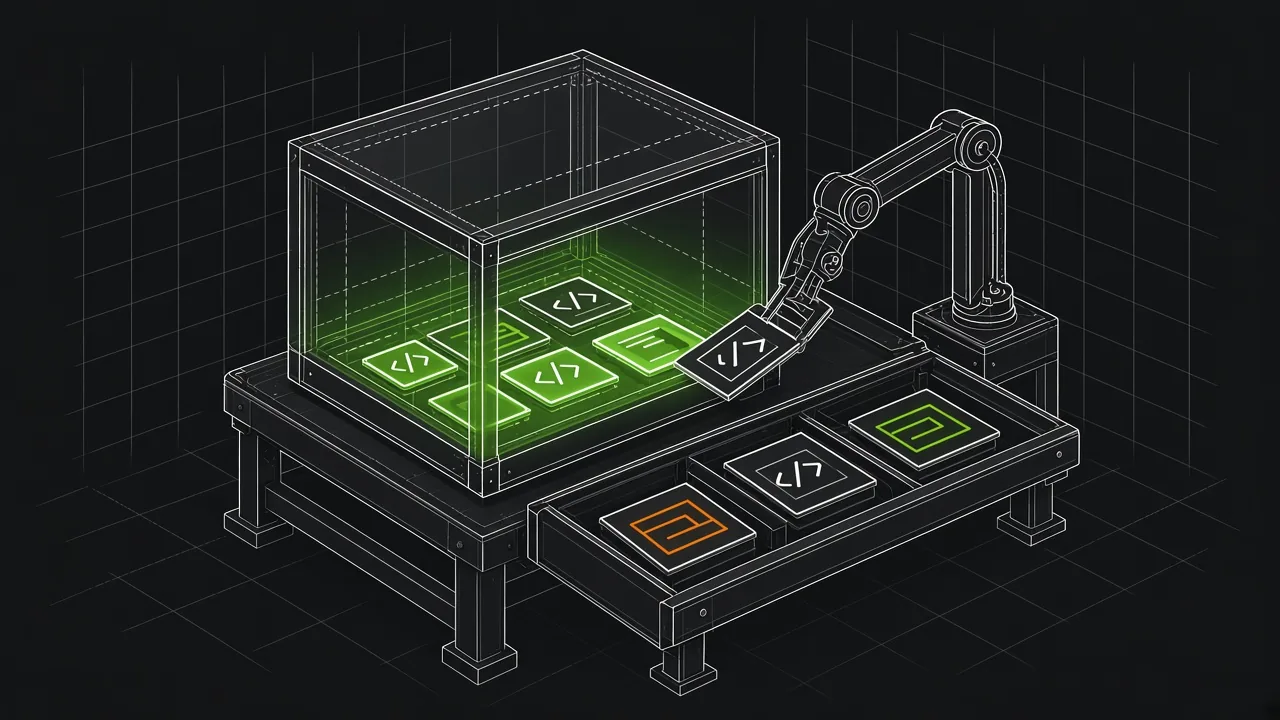
DocsAlive treats every code block in your docs as a test, with no specs to write. On each run it checks out the repository, finds the code blocks for your docs framework, installs the version you ship and runs each block in an isolated container. Then it does the part that decides whether anyone keeps reading the results: it classifies each result into one of 24 categories by matching the actual error, not just the exit code.
Most failures on real docs aren't bugs. A block references a variable from three paragraphs up, needs an API key or calls a live service. Across our three public runs, 11 blocks were flagged as likely docs bugs out of hundreds of failures, and of the flags we've reviewed so far, 6 are confirmed and 2 were false alarms. The results page lists every one. The triage is rule-based, so the same input gives the same answer. A model is used only if you turn on fix drafting.
For a confirmed docs bug, DocsAlive proposes the smallest change that makes the example work, re-runs it in the sandbox, and opens a draft pull request with before and after output. Nothing merges without a maintainer. You can turn fix drafting off and use the checks and reports alone.
Where they differ in practice
Scope. Doc Detective tests whatever a page tells a reader to do, including UI procedures in Chrome or Firefox, API calls and screenshots that keep themselves current. DocsAlive doesn't drive a browser at all. If a large share of your docs is "go to Settings, click Save", Doc Detective is the tool that can test it.
Setup and upkeep. Doc Detective is yours to configure: the config file, the markup patterns, the runner image, the environment each snippet needs, and the specs or inline tests for anything detection doesn't cover. That's flexible, and it's also ongoing work. DocsAlive is onboarded by our team for your docs framework and run for you.
Noise. Both tools will report a failure when a snippet doesn't run. Doc Detective reports PASS, FAIL, WARNING or SKIPPED per test, with context, in a JSON object your own tooling can process. Its docs don't describe a built-in way to tell an incomplete fragment or a missing credential apart from a broken API call; that judgment is left to you, your assertions and any AI integration you connect. Sorting failures is the core of what DocsAlive does.
Languages. Doc Detective's runCode covers JavaScript, Python and Bash, and runShell runs any command your runner has. DocsAlive adds simple TypeScript, curl and HTTP blocks, and JSON and TOML validation, but it doesn't run arbitrary languages either. Check both lists against your docs.
Cost and control. Doc Detective is free and runs on infrastructure you control. It sends anonymous telemetry by default (the command you ran plus anonymous details such as versions, operating system and runtime, never personal or documentation content, according to its telemetry page), and telemetry.send: false turns it off. DocsAlive is a paid service for private repositories, free for public open-source projects, and your code runs in our sandbox. Checkouts are deleted at the end of each run.
Licence. Doc Detective is licensed AGPL-3.0-only, per its npm package. Running it as a tool in CI is a common use, but if you plan to modify it or embed it in a product you distribute or host, read the licence or ask your counsel.
When to choose Doc Detective
- Your docs are mostly procedures in a UI, and you want them tested step by step in a real browser.
- You want screenshots and videos that regenerate from the tests.
- You need DITA, AsciiDoc or HTML sources, or you publish from Heretto.
- You have engineering time to own the config, the runner environment and the specs, and you'd rather pay with time than money.
- You need everything to run on your own machines, with no third-party service.
When to choose DocsAlive
- Your docs are heavy on code samples in Python, JavaScript, TypeScript, shell or HTTP, and that's where readers get stuck.
- You've tried running docs code before and switched it off because most failures were context, credentials or network, not bugs.
- You want draft fixes with sandbox evidence, not just a failure list.
- You don't want to write or maintain test specs, and you'd rather have the setup done for you on MkDocs, Mintlify, Docusaurus, ReadMe or plain Markdown.
- You want to see results on your own docs before deciding. The free health check runs the same engine on a public repository, and our team emails you the report.
Using both
They don't conflict. A team could use Doc Detective for UI walkthroughs and screenshots, and DocsAlive for the code samples, with each check reporting on the same pull request. If you already run Doc Detective with detected runCode steps and you're happy with the signal, you may not need us. If those steps are noisy, or you have code in languages or formats it doesn't detect, a health check will show the difference on your own pages.
What we don't do
To keep this fair: DocsAlive holds no SOC 2 or ISO 27001 certification today, doesn't run examples that need your credentials, and doesn't test UI procedures. It's offered by MRSLM Group LLC, in business since 2022. Doc Detective is open source, so you can read every line of what it does. We can't offer that.
FAQ
Is Doc Detective free?
Yes. It's open source under AGPL-3.0 and installs with npx or runs from the official Docker image. Its site doesn't publish a paid plan. The project accepts support through Open Collective and GitHub Sponsors.
Does Doc Detective run the code blocks in my Markdown automatically?
It can. Its default Markdown patterns turn fenced blocks tagged bash, python or javascript into runCode steps. Those are marked unsafe, so outside its Docker image you need to allow unsafe steps with --allow-unsafe or allowUnsafeSteps.
Does DocsAlive test UI steps or take screenshots?
No. It runs code blocks and checks OpenAPI references. For browser procedures and screenshots, Doc Detective is the better fit.
Do I have to write tests for DocsAlive?
No. The code blocks already on your pages are the tests. Our team reviews your docs setup during onboarding.
Does Doc Detective collect data?
It sends anonymous telemetry to PostHog by default: the command you ran and anonymous environment details such as versions, operating system and architecture, never personal or documentation content. Setting telemetry.send to false in .doc-detective.json turns it off.
Can I use both?
Yes. They read the same files and can both report on a pull request. Many teams would use Doc Detective for procedures and DocsAlive for code samples.