On this page
The short answerHow we ranked themAt a glance1. Your language's built-in doc tests2. Python doctest, run by pytestThe linters: free, fast, and not a code test3. pytest-examples4. pytest-codeblocks5. mktestdocs6. Sphinx doctest7. Doc Detective8. byexampleOthers we looked atPutting a free stack together in CIWhere DocsAlive fits (it's paid)FAQThe short answer
If your language has built-in documentation tests, start there: they're free, maintained by the language team and already in your toolchain. Rust runs the examples in your doc comments with cargo test, Go runs Example functions and compares their printed output, Elixir has ExUnit.DocTest, and Python ships doctest, which pytest can point at your Markdown files.
If your docs are Markdown pages full of fenced code blocks rather than >>> sessions, add a free pytest plugin that reads fences directly: pytest-examples, pytest-codeblocks or mktestdocs, depending on how your pages are written. If your docs mix languages or walk readers through a UI, Doc Detective is the most complete free option, and byexample covers several languages in one runner. Linters (Vale, markdownlint) and link checkers (lychee) are free and worth running too, but none of them executes your code.
DocsAlive is a paid service, so it isn't ranked in this list. We cover where it fits, honestly, near the end: there's a $0 plan only for public open-source repositories, by application.
How we ranked them
This list is about one job: running the code examples in your documentation so that a broken one fails a build instead of a reader. We ranked tools on four things:
- Cost. Every ranked tool is free and open source. We list each license, because AGPL and GPL terms matter to some teams.
- What it actually executes. Running a snippet beats checking its syntax, and checking printed output beats checking that nothing crashed.
- Fit with how docs are really written. Most documentation uses fenced blocks, not interactive
>>>sessions, and readers run blocks top to bottom with state carried between them. - Maintenance. We checked each project's package registry and repository for its current release and recent activity. A tool with no release in years can still work, but you'll own the fixes.
Versions and licenses below come from each project's own documentation, package page and repository, checked when this page was published. Nothing here is sponsored, and we don't have a relationship with any of these projects.
At a glance
| Tool | License | Languages | Reads Markdown fences | Checks output | Best for |
|---|---|---|---|---|---|
| rustdoc doc tests | Part of Rust (MIT/Apache-2.0) | Rust | Doc comments and Markdown via rustdoc | Yes, via assertions | Rust crates |
| Go testable examples | Part of Go (BSD-3-Clause) | Go | No, Example functions |
Yes, // Output: |
Go packages |
| ExUnit.DocTest | Part of Elixir (Apache-2.0) | Elixir | No, @doc and @moduledoc |
Yes | Elixir libraries |
| Python doctest + pytest | PSF / MIT | Python | Only >>> sessions |
Yes | Reference pages and docstrings |
| pytest-examples | MIT | Python | Yes | Yes, #> print comments |
Python docs that show printed results |
| pytest-codeblocks | MIT | Python, shell | Yes | Optional expected-output blocks | READMEs and short guides |
| mktestdocs | Open source (see repo) | Python | Yes | Through your own asserts | MkDocs sites |
| Sphinx doctest | BSD-2-Clause | Python | reST directives | Yes | Sphinx projects |
| Doc Detective | AGPL-3.0 | JavaScript, Python, Bash, plus UI steps | Yes, detected or specified | Per step | Mixed docs and UI procedures |
| byexample | GPL-3.0 | Python, Ruby, Shell, JavaScript, C/C++, Go, Rust and more | Yes | Yes | Multi-language tutorials |
1. Your language's built-in doc tests
Rust: rustdoc. The Rust book for documentation authors says it plainly: rustdoc supports executing your documentation examples as tests. cargo test runs them along with your unit tests, and cargo test --doc runs only those. Attributes on the fence tell rustdoc what to expect: no_run compiles an example without running it (useful for network calls), should_panic expects a panic, and compile_fail expects the example not to compile. If you write Rust, this is the best docs-testing setup available at any price, because the examples are compiled against the exact crate version you're about to publish.
Go: testable examples. The testing package runs Example functions in your _test.go files. If an example ends with an // Output: comment, Go compares it with what the function printed. // Unordered output: handles results in any order, and examples without an output comment are compiled but not executed. The Go blog shows how pkg.go.dev displays these examples beside the function they document, so the example a reader sees is the one CI ran.
Elixir: ExUnit.DocTest. ExUnit.DocTest generates tests from the code examples in your @moduledoc and @doc attributes. You call doctest YourModule in a test file and they run with the rest of the suite.
Where they stop. All three test the examples that live in the code's API docs. Tutorials and guides written as separate Markdown pages usually aren't covered, and shell steps such as installs aren't either.
2. Python doctest, run by pytest
Python's standard library includes doctest. It finds text that looks like an interactive session, runs each >>> line and compares the result with the output written below it. pytest (MIT, version 9.2.0 on PyPI) can collect those sessions from docstrings with --doctest-modules and from text files with --doctest-glob:
pip install pytest
pytest --doctest-glob="*.md" docs/
pytest --doctest-modules src/
Strengths: nothing to install beyond pytest, and it checks printed output, not just the exit code. Limits: it only sees >>> sessions. A page written with ordinary fenced python blocks, which is most of them, passes trivially because there's nothing for doctest to find. That gap is what the next three plugins fill.
The linters: free, fast, and not a code test
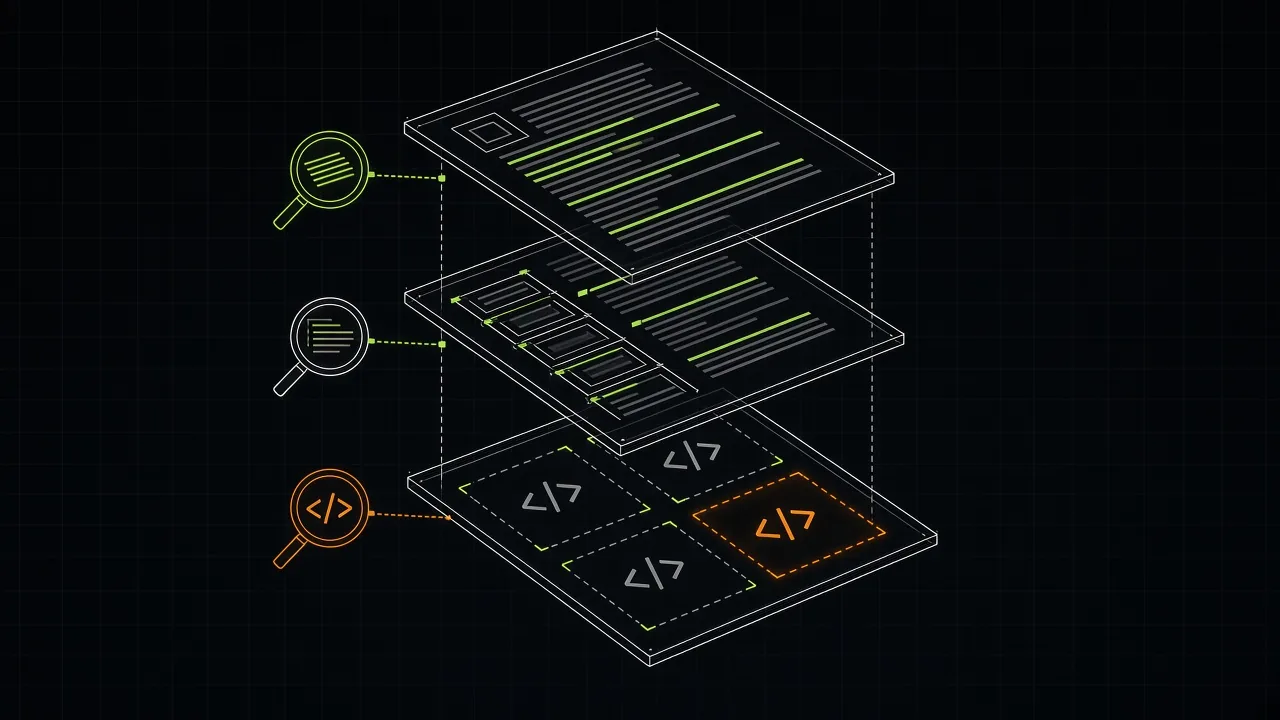
Before the fence runners, a word on the tools people often reach for first. They're all free, and they're worth running, but they answer a different question.
- Vale (MIT, v3.25.1) is "a command-line linter for prose". It turns your style guide into checks that run in your editor and CI, entirely offline.
- markdownlint-cli2 (MIT, v0.24.0) checks Markdown structure: heading levels, list style, fence languages and similar rules.
- lychee (Apache-2.0, v0.24.2) is a fast link checker written in Rust, with a GitHub Action.
None of these runs a code sample. A page can pass all three and still tell readers to call a function that no longer exists. We compare the first two in detail in Vale vs markdownlint.
3. pytest-examples
pytest-examples (MIT, version 0.0.18 on PyPI) is a pytest plugin "for testing Python code examples in docstrings and markdown files". It can:
- lint them with
ruffandblack; - run them;
- run them and check that printed results match the
#>comments written under eachprint()call.
It can also rewrite examples in place, formatting the code and updating the #> output, when you pass --update-examples. You write one small parametrized test that calls find_examples() and then eval_example.run(...) or eval_example.run_print_check(...) on each result.
Best for: Python projects whose docs show what a call prints. The print-check style keeps code and expected output in one block, which reads naturally. Limits: Python only, and you write the test harness yourself (it's a few lines).
4. pytest-codeblocks
pytest-codeblocks (MIT, version 0.18.0 on PyPI) is a pytest plugin "for testing code blocks from README files". Install it and run pytest --codeblocks. It picks up blocks highlighted as python and sh, bash or zsh, so it covers install and command-line steps as well as Python.
Its controls live in HTML comments right above a block, which keeps them invisible on the rendered page: <!--pytest.mark.skip--> skips a block, skipif skips it conditionally, importorskip skips it when an optional package is missing, xfail marks an expected error, and skipfile on the first line skips a whole file. A <!--pytest-codeblocks:expected-output--> comment before a plain block makes it the expected output of the block above.
Best for: READMEs and short guides with a mix of Python and shell. Limits: only those two families of languages, and every exception is a comment you add by hand.
5. mktestdocs
mktestdocs (version 0.2.5 on PyPI) runs the ```python blocks in your Markdown files and docstrings through pytest, failing on any error. Its README is written with MkDocs sites in mind. By default each block runs on its own. Set memory=True and blocks on a page share state, so a later block can use names defined in an earlier one, which is how readers actually follow a page.
Best for: MkDocs projects that want the smallest possible setup: one test function with check_md_file(). Limits: it reports errors, not output mismatches, unless your examples include their own assert lines. Its license is listed differently on PyPI and in the repository, so check the repository before you vendor it.
6. Sphinx doctest
If your docs are built with Sphinx (BSD-2-Clause, version 9.2.0), the bundled sphinx.ext.doctest extension (documented in the Sphinx user guide) adds a doctest builder. Its own description: "If you mark the code blocks as shown here, the doctest builder will collect them and run them as doctest tests." Beyond >>> blocks it offers testsetup, testcode and testoutput directives, and groups so that setup code applies to the snippets that need it.
Best for: Python projects already on Sphinx and reStructuredText. Limits: it's tied to Sphinx markup, so it doesn't help Markdown-only sites built with other tools.
7. Doc Detective
Doc Detective (AGPL-3.0, version 4.38.1 on npm) describes itself as a "doc content testing framework". It reads test specifications and your docs files, finds testable actions and runs them: shell commands, code, HTTP requests and UI steps in a real browser, with results written as JSON. It needs Node.js and installs with npm i -g doc-detective. Its default Markdown patterns turn fenced bash, python and javascript blocks into code steps.
Best for: documentation that mixes code with procedures ("open the dashboard, click Settings, then run this"), and teams that want one framework for both. Limits: detected code steps are treated as unsafe and need an explicit flag outside its Docker image, and the AGPL-3.0 license matters if you plan to modify and redistribute it. We compare it with our own service in Doc Detective vs DocsAlive.
8. byexample
byexample (GPL-3.0, version 11.0.0 on PyPI) is "a literate programming engine where you mix ordinary text and snippets of code in the same file and then you execute them as regression tests." Its documentation lists Python, Ruby, Shell, GDB, JavaScript, C/C++, Java, PowerShell, iasm, Go and Rust. You choose the languages on the command line, and it compares each example's output with what the page says.
Best for: tutorials that switch between languages, or a shell session followed by a Python one. Limits: examples are written in an interpreter-session style with expected output, so plain fenced blocks without output need some rewriting. It runs from the command line rather than inside your existing test framework.
Others we looked at
- phmdoctest (MIT) tests Python code in Markdown and is still installable, but its last release on PyPI, 1.4.0, was in March 2022. Fine if it works for you, but you'd own any fixes.
- A custom script. Many teams extract fences with a regular expression and run them. It's free and transparent. Our docs testing guide has a short version and covers why it gets noisy.
Putting a free stack together in CI
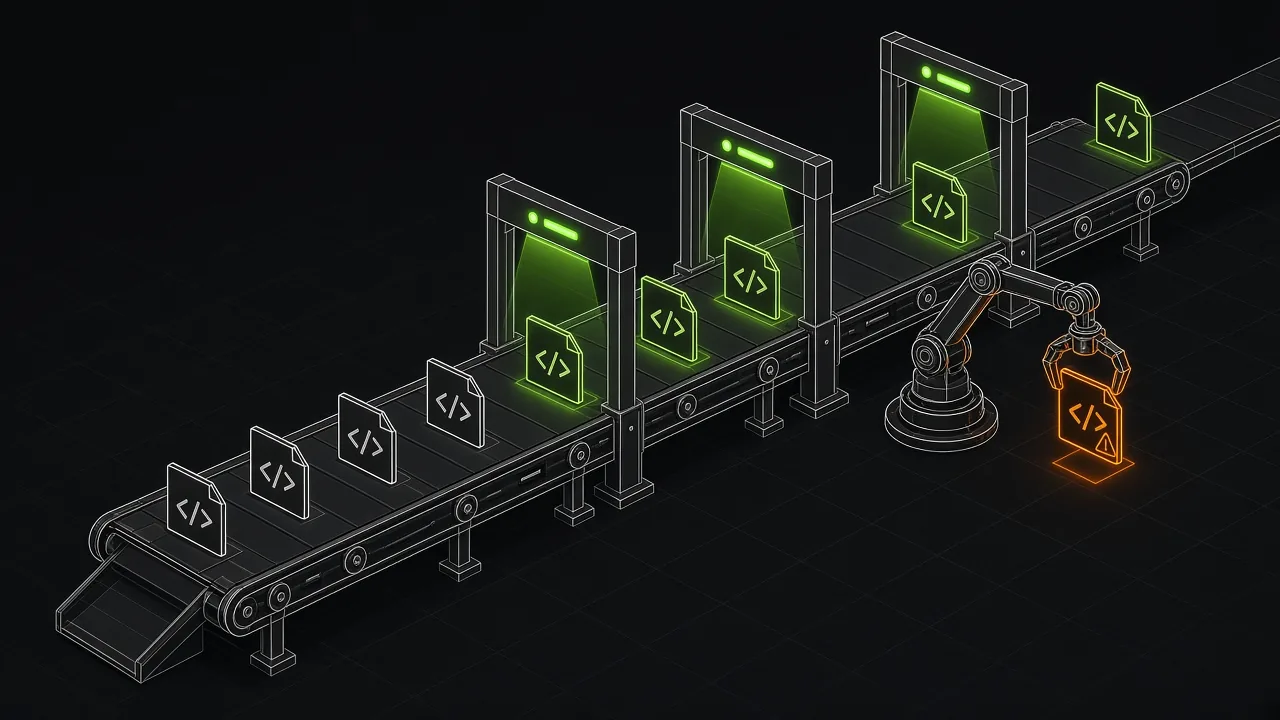
A reasonable free setup for a Python project with Markdown docs is three checks: a prose and structure lint, a link check, and a code run. In GitHub Actions:
name: docs
on:
  pull_request:
  push:
    tags: ["v*"]
  schedule:
    - cron: "0 6 * * *"   # nightly: catches drift in dependencies
jobs:
  docs:
    runs-on: ubuntu-latest
    steps:
      - uses: actions/checkout@v7
      - uses: actions/setup-python@v7
        with:
          python-version: "3.12"
      - run: pip install . pytest pytest-codeblocks
      - run: pytest --codeblocks docs/
      - run: pytest --doctest-glob="*.md" docs/
Add Vale, markdownlint-cli2 and lychee as separate steps; each publishes its own action. Run the code checks on release tags and nightly, not only on pull requests: most docs breakage comes from the code or a dependency changing, not from someone editing the page. For libraries, run them against the built package rather than your checkout, as described in our SDK docs release-gate guide.
Whichever runner you pick, three habits make it useful:
- Mark fragments. Use
...or a skip marker for blocks that aren't meant to run, so failures mean something. - Run pages in order. Use the shared-state options (
memory=Truein mktestdocs, one process per page in a script) so later blocks see earlier definitions. - Keep secrets out. Use obvious placeholders such as
YOUR_API_KEYand skip or mock those blocks rather than giving the runner real keys.
Where DocsAlive fits (it's paid)
DocsAlive is a hosted service, not a free tool, so it isn't ranked above. Paid plans are $299, $699 or from $1,499 a month (pricing). There's a $0 plan only for one public repository under an OSI-approved license, by application, up to 100 docs pages.
What you'd pay for is the part the free tools leave to you. It detects the docs framework, extracts every code block (including MDX tabs), runs each page in an isolated container against the release you ship, and sorts every failure into one of 24 categories, so blocks that only need context or credentials aren't reported as bugs. Across our published runs it flagged 11 blocks as likely docs bugs. Our review so far has confirmed 6 and found 2 false alarms. The full numbers are on the results page.
It doesn't run browser procedures (Doc Detective does) or compiled languages, and it's not certified to SOC 2 or ISO standards. If one of the free tools above covers your docs, use it. We'd rather you test your docs with something than with nothing.
FAQ
What is the best free tool to test code examples in documentation?
For Rust, Go or Elixir, the built-in doc tests. For Python docs written as Markdown fences, pytest-examples, pytest-codeblocks or mktestdocs, depending on whether you want output checks, shell support or the smallest setup. For mixed languages or UI procedures, Doc Detective.
Can pytest run the code blocks in my Markdown files?
Not by itself for plain fences. pytest's --doctest-glob only runs interactive sessions with >>> prompts. Plugins such as pytest-codeblocks (pytest --codeblocks), pytest-examples and mktestdocs run ordinary fenced Python blocks.
Do Vale or markdownlint test code examples?
No. Vale checks prose against your style rules and markdownlint checks Markdown structure. Neither executes code, so pair them with a runner from this list.
Are these tools really free for commercial use?
All the ranked tools are open source. Most use permissive licenses (MIT, BSD, Apache-2.0). Doc Detective is AGPL-3.0 and byexample is GPL-3.0, which add obligations if you modify and distribute them. Check each license with your own counsel if that matters to you.
Is DocsAlive free?
No. It's a paid service starting at $299 a month. Public open-source repositories under an OSI-approved license can apply for a $0 plan covering one repository and up to 100 docs pages.
How often should documentation code examples be tested?
On every release and nightly. Release runs catch changes you made; nightly runs catch changes in dependencies that nobody on your team made.